📱 Get Momentum on your phone
✓ You're already using the installed app — you're all set.
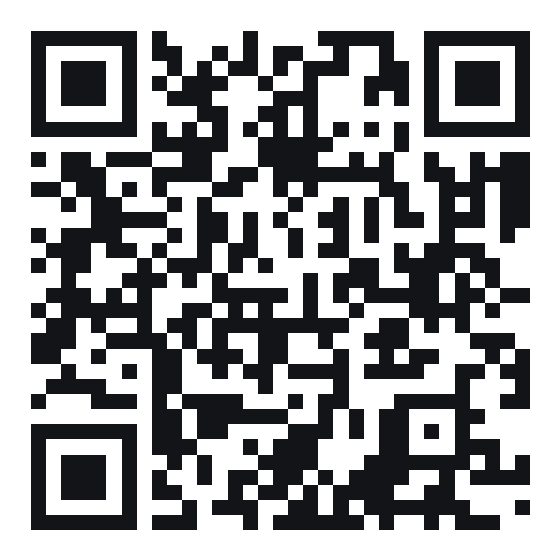
Point your phone camera here
or open this link on your phone:
momentum-production-a30b.up.railway.app
Then add it to your Home Screen:
iPhone (Safari): tap the Share button ⬆ at the bottom → scroll down → Add to Home Screen.
Android (Chrome): tap the ⋮ menu (top-right) → Add to Home screen / Install app.
It opens like a real app — same login, same team data. Once it's on your Home Screen, open it from there to turn on 🔔 notifications.